
Originally posted on January 23, 2011 and updated by Brandon Klein on August 27, 2025.
Let’s face it – we’re drowning in paper. Those brilliant whiteboard sessions, crucial printed documents, and handwritten notes pile up faster than we can organize them. JotNot transforms this chaos into clean, searchable digital files with just a snap of your phone camera or a quick email.
What Makes JotNot Different from Regular Document Scanners?
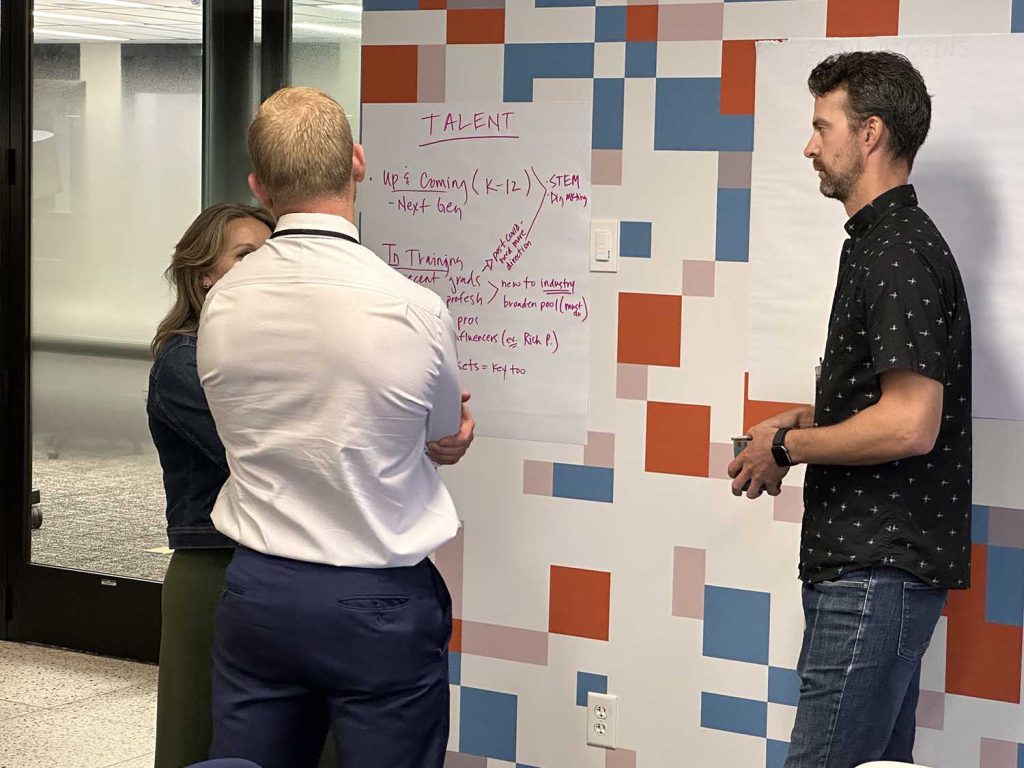
While traditional scanning apps focus on single documents, JotNot excels at capturing messy real-world content – think whiteboard brainstorms with multiple colors, printed pages with annotations, or sticky notes scattered across a wall. The magic lies in its intelligent edge detection and contrast optimization that turns even poorly lit photos into professional-looking PDFs or Word documents. This aligns perfectly with how modern AI-enhanced design thinking leaders are reshaping collaboration by digitizing physical creative processes.
Three Dead-Simple Ways to Digitize Everything
- iPhone App Magic: Open JotNot, snap your whiteboard or document, and watch it automatically detect edges, enhance contrast, and remove shadows. Perfect for meeting notes or classroom boards.
- Email Scanning on Steroids: Send photos to color@jotnot.com for full-color PDFs or bw@jotnot.com for crisp black-and-white documents. Great for batch processing when you’re away from your phone.
- Web Upload for Desktop Users: Drop images directly on the JotNot website when working from your computer. No app installation needed.
Real-World JotNot Workflows That Save Hours
Here’s where things get interesting. A Cognitor would leverage JotNot as the foundation for an AI-powered document processing pipeline, transforming simple scanning into intelligent knowledge management. Leading innovation experts like Tim Brown from IDEO emphasize how digital tools must seamlessly integrate with human creative processes – exactly what JotNot enables.
The Meeting Documentation Accelerator
Traditional approach: Snap whiteboard photo, manually type notes, file somewhere you’ll forget.
Cognitor-enhanced workflow:
- JotNot captures whiteboard → AI agent extracts key decisions and action items
- Second agent matches names to team directory, assigns tasks automatically
- Third agent creates searchable meeting summary with tagged topics
- Fourth agent schedules follow-ups based on identified deadlines
Result: What took 45 minutes of post-meeting work now happens in 3 minutes. This transformation reflects what strategic AI partnerships in design thinking can achieve when properly implemented.
The Research Paper Digitization System
Got stacks of printed research? A Cognitor orchestrates JotNot with specialized agents:
- Batch scan via email → OCR agent extracts text with 99% accuracy
- Citation agent identifies references, creates bibliography
- Summary agent produces executive brief of key findings
- Knowledge graph agent links related concepts across papers
This approach mirrors how AI facilitation training programs are teaching professionals to blend human insight with machine efficiency.
Power Tips for Maximum JotNot Efficiency
- Lighting matters: Position whiteboards at 45-degree angle to avoid glare
- Multi-page hack: Name files sequentially before emailing for automatic PDF merging
- Color preservation: Use color@jotnot.com for diagrams, bw@ for text-heavy docs
- Batch processing: Email up to 20 images at once for bulk conversion
These practical techniques complement the broader shift toward community-powered collaboration platforms that prioritize ease of use and collective intelligence.
Transform Your Document Workflow Today
JotNot isn’t just another scanner – it’s your gateway to intelligent document management. Whether you’re digitizing meeting notes, archiving printed materials, or building an AI-enhanced knowledge base, JotNot provides the reliable capture foundation you need. As Miro’s AI capabilities demonstrate, the future of collaborative work depends on seamlessly bridging physical and digital spaces.
Start small: Download the iPhone app and digitize one whiteboard today. Then imagine how a Cognitor could transform that simple scan into actionable intelligence. The future of document management isn’t about storing files – it’s about extracting wisdom from every pixel.
Ready to escape the paper avalanche? Your digital transformation starts with JotNot.


